Release V0.8

Everything You Need.
Nothing You Don't.

A full-featured chat platform in a single binary.
Messaging, voice, video, screen sharing, push notifications.
No subscriptions, No Telemetry, No Third-Party Services.


~12K
Lines of Code
1
Binary to Deploy
0
External Services
512MB
RAM Required

Industry Standard Chat,
Zero Compromise

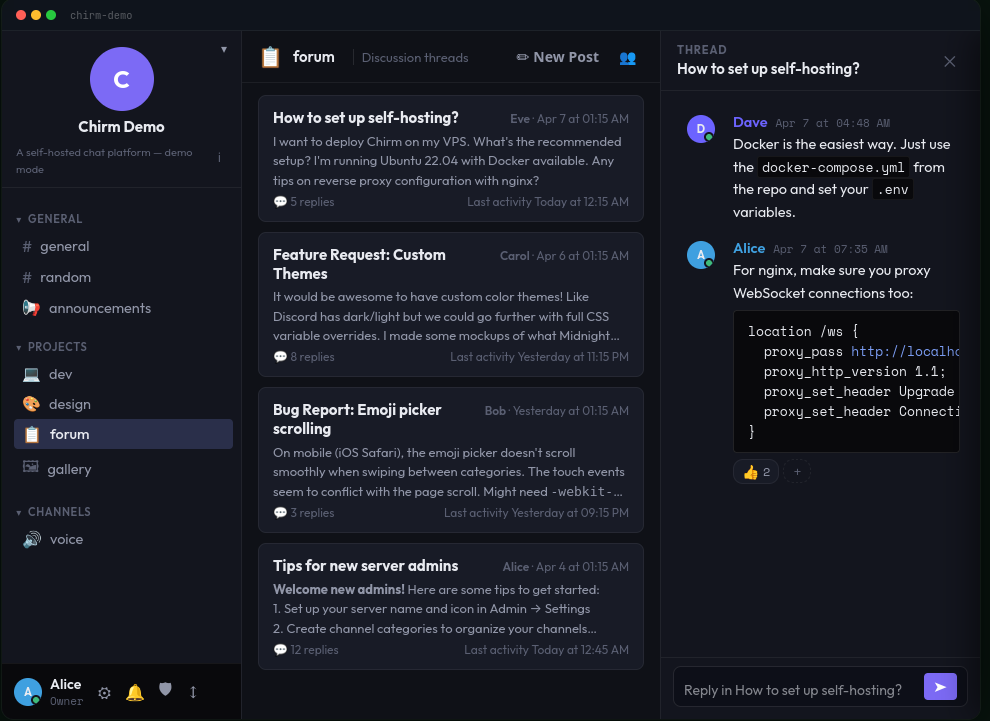
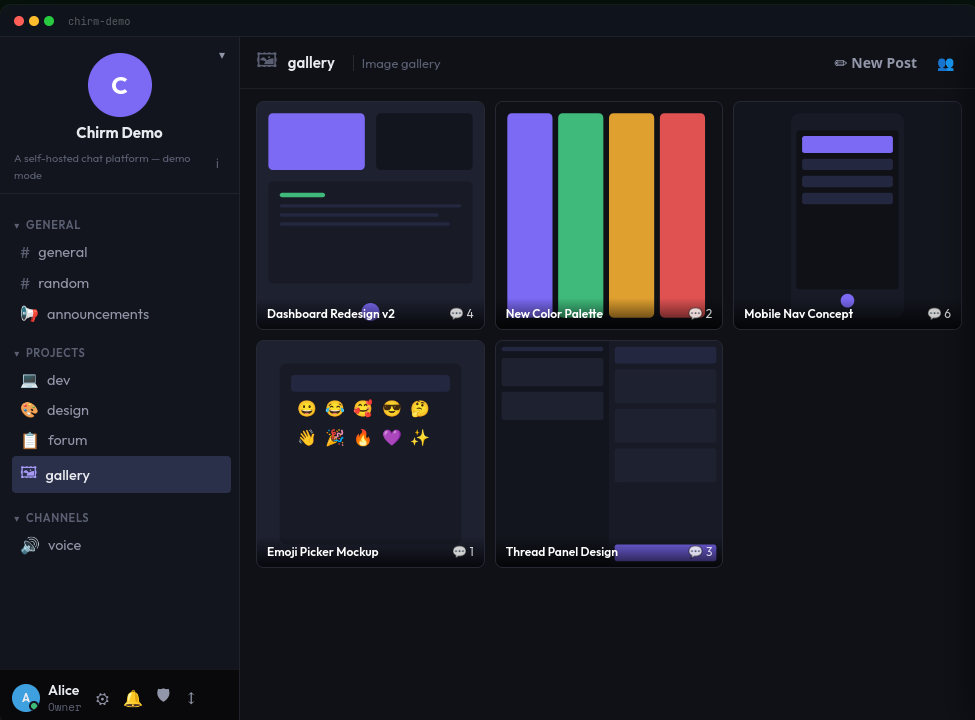
Channels organized into collapsible categories, threaded replies, @mention autocomplete, custom emoji, reactions, link previews, typing indicators, and a local message cache for instant loads.
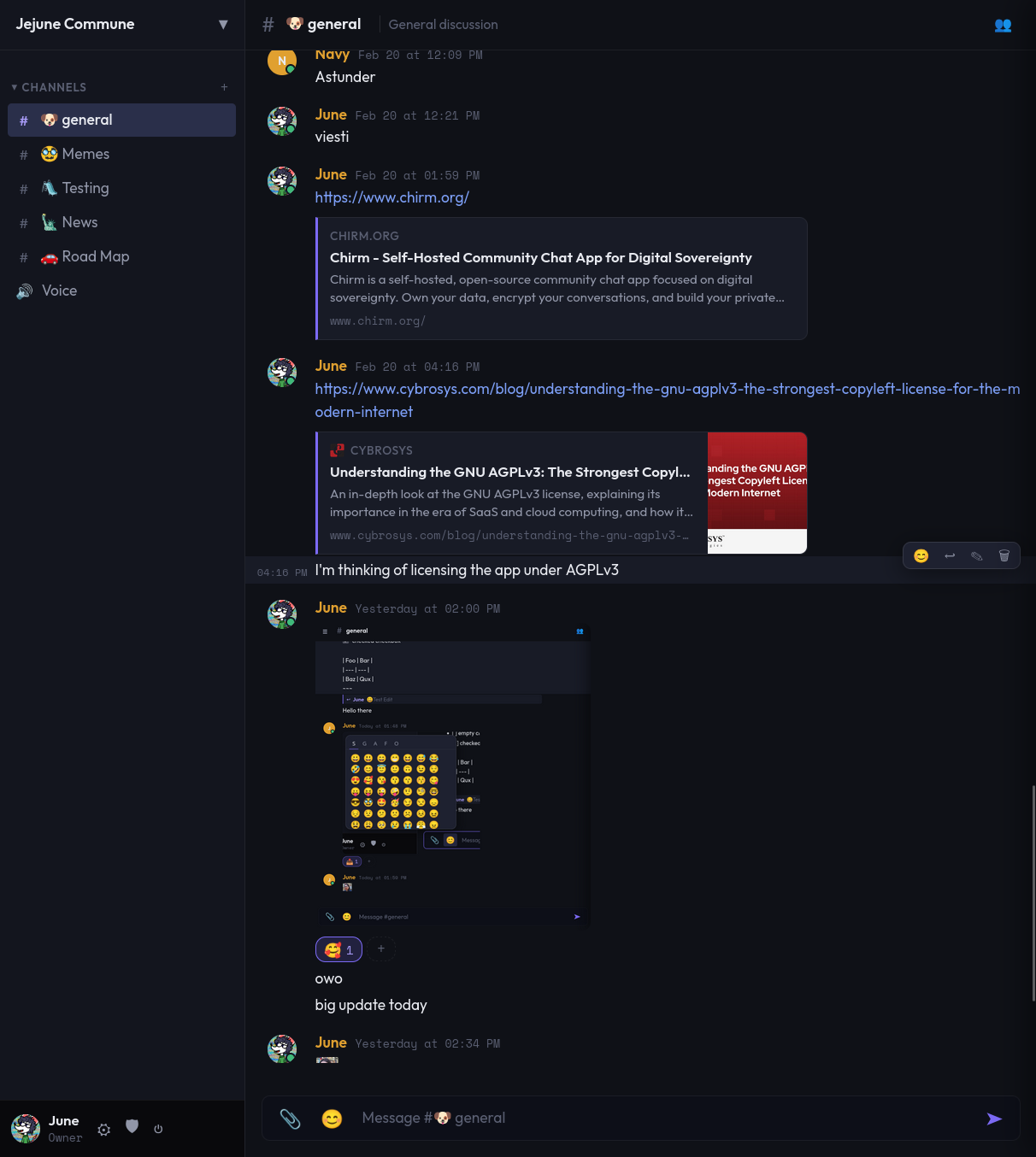
Channel Categories

Organize text and voice channels into collapsible groups. Drag to reorder channels and categories.

Replies & Threads

Reply to any message with context. Keep conversations organized without overwhelming noise.

Custom Emoji & Reactions

Upload server-specific emoji. React to any message with built-in or custom emoji.

Link Previews

Shared URLs automatically unfurl with OpenGraph metadata — title, description, and thumbnail.

File Uploads

Share images, videos, audio, PDFs, text, and archives. Inline previews for media. Configurable size limits.

Push Notifications

VAPID-powered Web Push. Get notified even with the tab closed. Per-channel muting and @mention controls.

PWA Installable
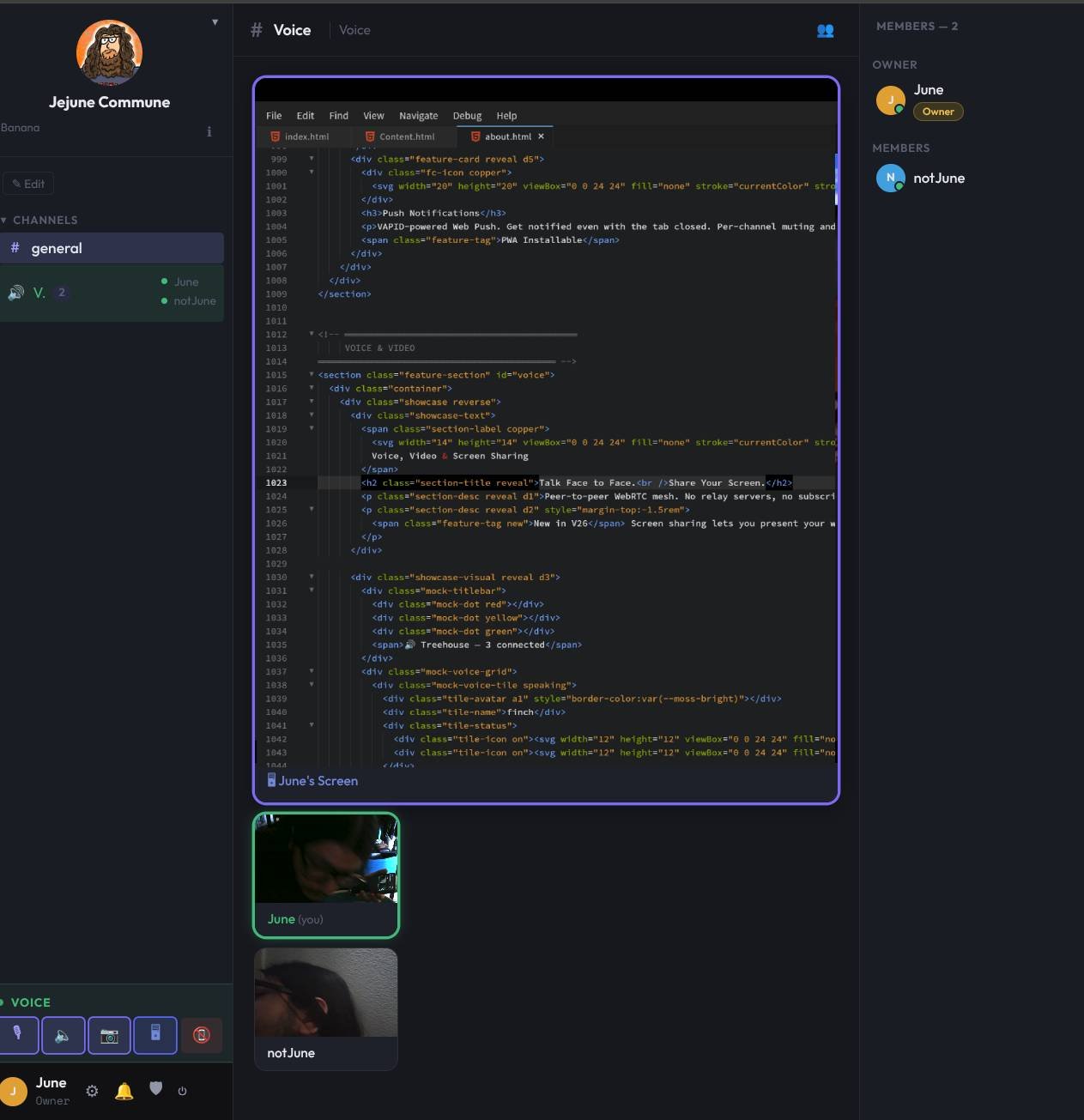
Talk Face to Face.
Share Your Screen.

Peer-to-peer WebRTC mesh. No relay servers, no subscriptions, no data leaves your network. Opus codec tuned at 128 kbps stereo for rich, clear audio.


Screen sharing lets you present your work, debug together, or watch videos as a group.

Screen Sharing

Share your entire screen or a single window. Present code, watch videos, or collaborate visually.

Per-User Controls

Adjust volume or mute individual participants locally. Your preferences persist across sessions.

Focus / Spotlight

Click any tile to enlarge it. Or enable auto-focus to spotlight whoever is currently speaking.

Full Control.
Your Server, Your Rules.

From the setup wizard to fine-grained permissions, Chirm puts you in charge of every aspect of your community.

Invite System

Generate invite codes with optional max-use and expiry. Require codes for registration or leave it open.

Bitmask Permissions

Seven granular permissions (read, send, manage messages/channels/roles/server, admin) stacked via roles.

Auto-TLS

Generates a persistent CA and signed server cert on first run. Install the CA once per device via /ca-cert.

Rate Limiting

Per-IP throttling on auth endpoints prevents brute-force attacks. WebSocket messages capped at 64 KB.

Setup Wizard

First-run wizard creates your server name, owner account, default channel, and @everyone role in 60 seconds.

Server Customization

Upload a server icon, customize the login background, and configure registration policies from the admin panel.

Battle-Tested.
Zero Bloat.

Every dependency earns its place. No ORM, no framework, no build step. Just Go, SQL, and vanilla JS.

Go

Go

Server, router, TLS, binary embedding

chi

Chi Router

Lightweight, composable HTTP routing

DB

SQLite

modernc.org/sqlite — no CGO, ARM-native

WS

Gorilla WebSocket

Real-time messaging hub

JWT

JWT + bcrypt

Stateless auth, secure password hashing

RTC

WebRTC

Browser-native P2P voice, video, screen share

PUSH

Web Push (VAPID)

Hand-rolled encryption, zero dependencies

JS

Vanilla Frontend

No React, no bundler, no build step

Deploy Your Nest

Three commands. Sixty seconds. Full sovereignty.

View on GitHub
terminal
# Clone & configure
git clone https://github.com/Jacob-Ritchey/Chirm && cd Chirm
cp .env.example .env
echo "JWT_SECRET=$(openssl rand -hex 32)" >> .env

# Launch Manually
go mod tidy
go build -o chirm .
./chirm

# Launch with docker (Recommended)
git clone https://github.com/Jacob-Ritchey/Chirm
cd Chirm
docker compose up -d

# Open https://localhost:8443 → follow setup wizard